Round Baler Extension
| Mod Name | Round Baler Extension |
| Game | Farming Simulator 25 |
| Manufacturer | None |
| Category | Gameplay |
| Author | Ifko[nator] |
| Size | 88 KB |
| Version | 1.2.1.1 |
| Release Date | 06.10.2026 |
| Platform | PC/MAC |
Views 1858
Downloads 63
ModBarn 0 (0)
ModHub 4.8 (1423)
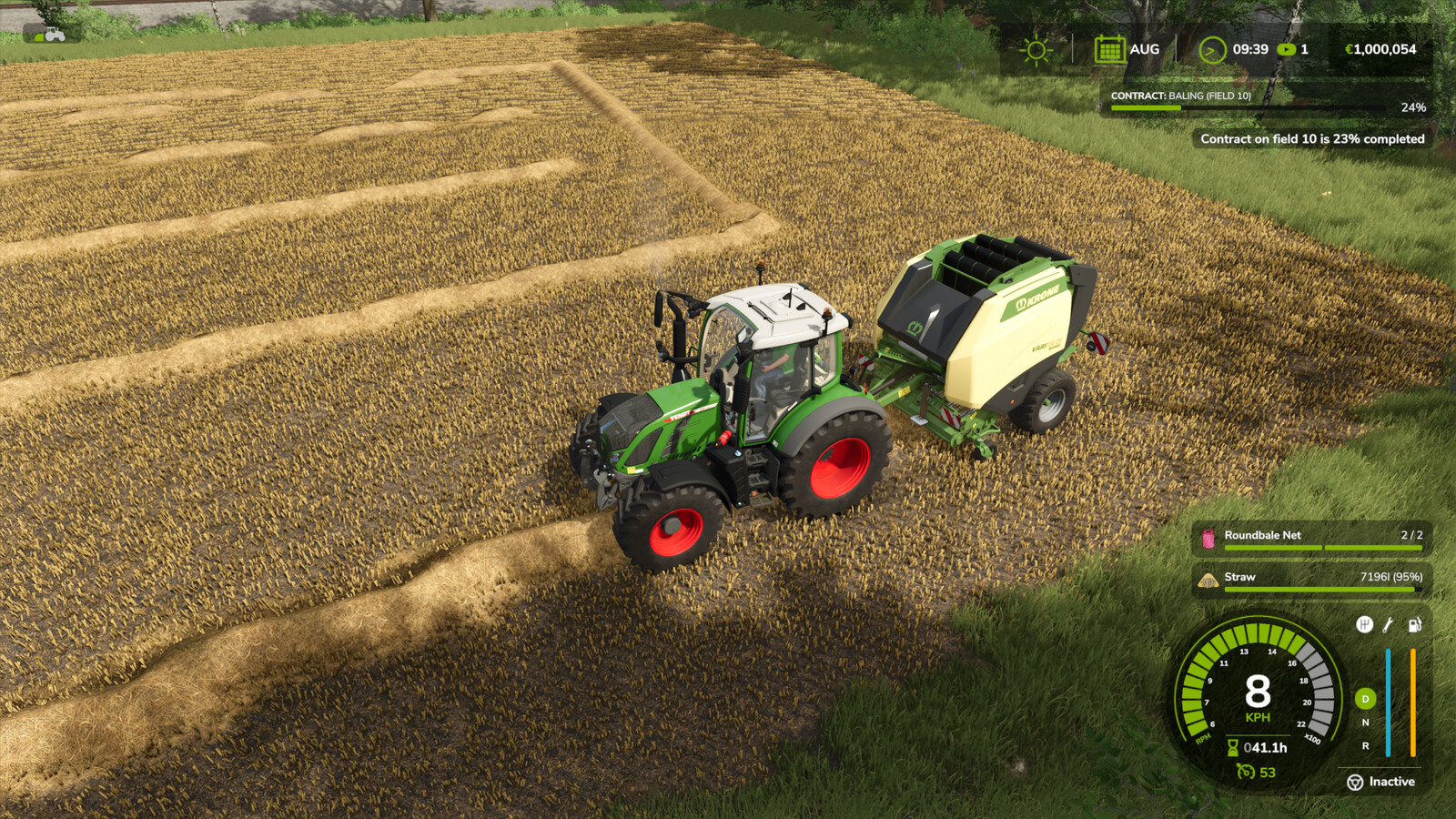
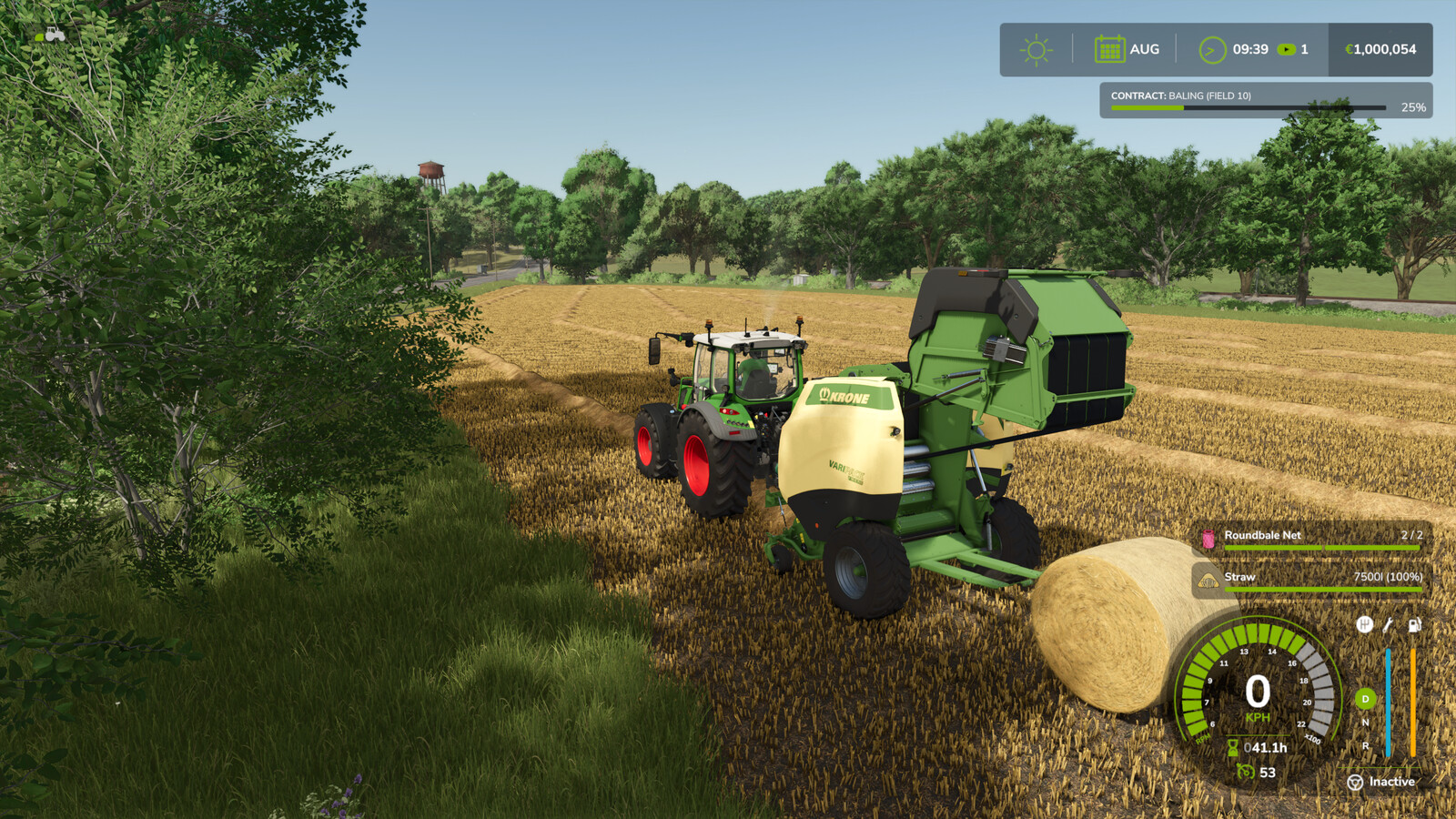
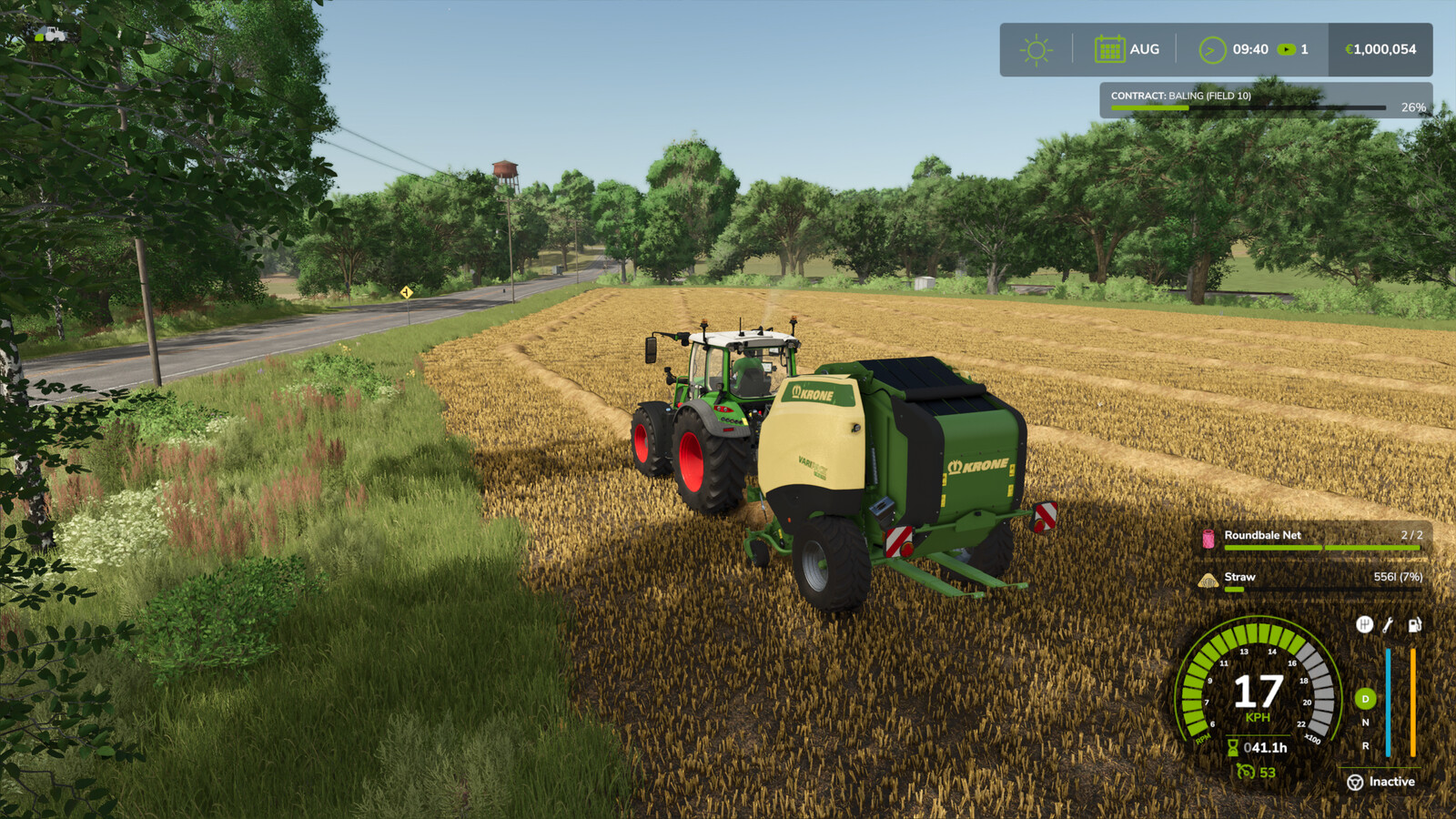
With this script the tractor stops when the round baler is full. If the fill level reaches 95%, the top speed is limited to 8 km/h so that the tractor does not have to brake so hard when the baler is full. If you turn off the baler or raise the pickup, the tractor's top speed is of course no longer limited.
Stopping works when you accelerate or the cruise control is active. If the cruise control was active when the press gets full, it will be activated again automatically so that all you have to do is steer. (Which can even be partially taken over by the new GPS system).
Of course, nothing changes with square balers.
Changelog v1.2.1.1:
- Some script improvements
- Added support for wrapping 1.25 m sugar beet cut bales with the goeweil vario master.
Changelog v1.2.1.0:
Bug Fixes:
- Fixed issue, that blocked the bale wrapping for forage, chaff and sugar beet cut bales with the goeweil vario master.
- Fix for following error: .../FS25_roundBalerExtension/specializations/ToggleableBaleWrapper.lua:331: attempt to index nil with 'baleWrapperIsActive'
Changelog v1.2.0.0:
Bug Fixes:
- Fixed issuse, that blocked the vehicle controls, if the drop mode was on "collect" or "manually" and a bale was on the bale wrapper.
- Balers with bale wrapper consumed no bale foil.
Added new hud icon for the bale wrapper status to the left of the gps icon for balers with bale wrapper.
When the icon is white, the bale wrapper is off, when it is green, the bale wrapper is on and when it is red, the bale wrapper is not available.
Changelog v1.1.0.0:
Bug Fix:
- In version 1.0.0.0 was a test print command accidentally active and has been removed.
New features:
You can now deactivate the bale wrapper for balers with bale wrapper and you also have an collect mode for these. Here are always two bales placed one after the other. The first bale stays on the bale wrapper until the second bale is finished. Then, if the bales don't roll away, you always have two next to each other and it's easier to load them.
If the unloading mode is set to collect and the bale wrapper is active, the tractor will be held on until the wrapper has unloaded the second bale.
If the second bale is on the bale wrapper and the cruise control was active, the tractor moves forward a little bit, so that the second bale is not unloaded into the first bale.
Key shortcuts for toggle on/off the bale wrapper:
Keyboard: [CTRL] left + [ALT] left
Controller (X-Box): [LB] + D-pad down
--------------------------------------
Keyboard shortcuts to toggle drop mode:
Keyboard: [Y]
Controller (X-Box): [LB] + [D-Pad Right]
More from Ifko[nator]

Suggested Mods
Ratings & Reviews
0
0 reviews
| 5 stars | ||
| 4 stars | ||
| 3 stars | ||
| 2 stars | ||
| 1 stars |
| Login above to Rate & Review this. Let us know what you think! |
| No Ratings & Reviews Yet. Be the first to leave a Rating & Review! |