Camera Hotkeys
| Mod Name | Camera Hotkeys |
| Game | Farming Simulator 25 |
| Manufacturer | None |
| Category | Gameplay |
| Author | BayernGamers |
| Size | 85 KB |
| Version | 1.0.0.1 |
| Release Date | 20.12.2024 |
| Platform | PC/MAC |
Views 821
Downloads 6
ModBarn 0 (0)
ModHub 3.3 (50)
Camera Hotkeys
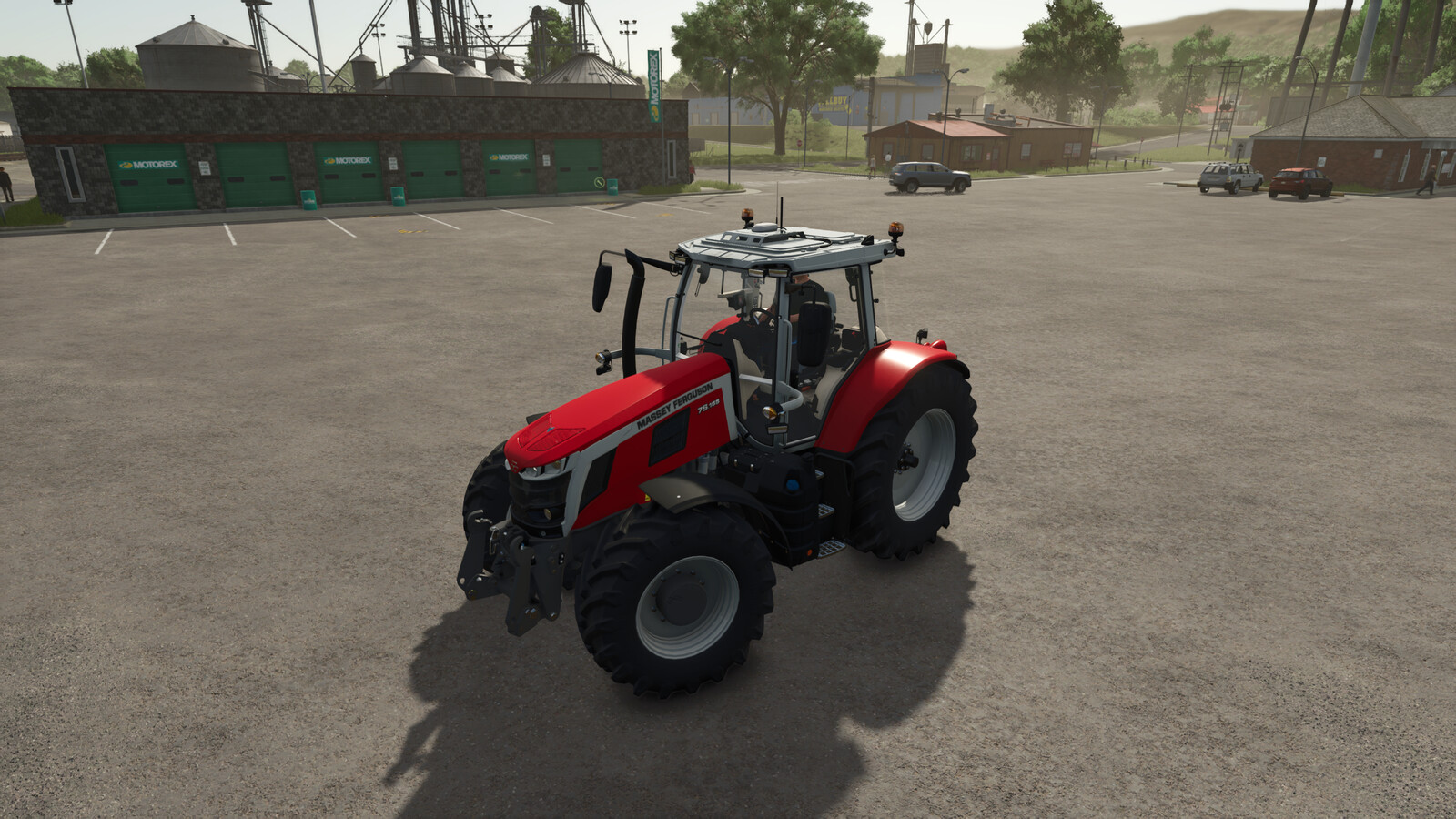
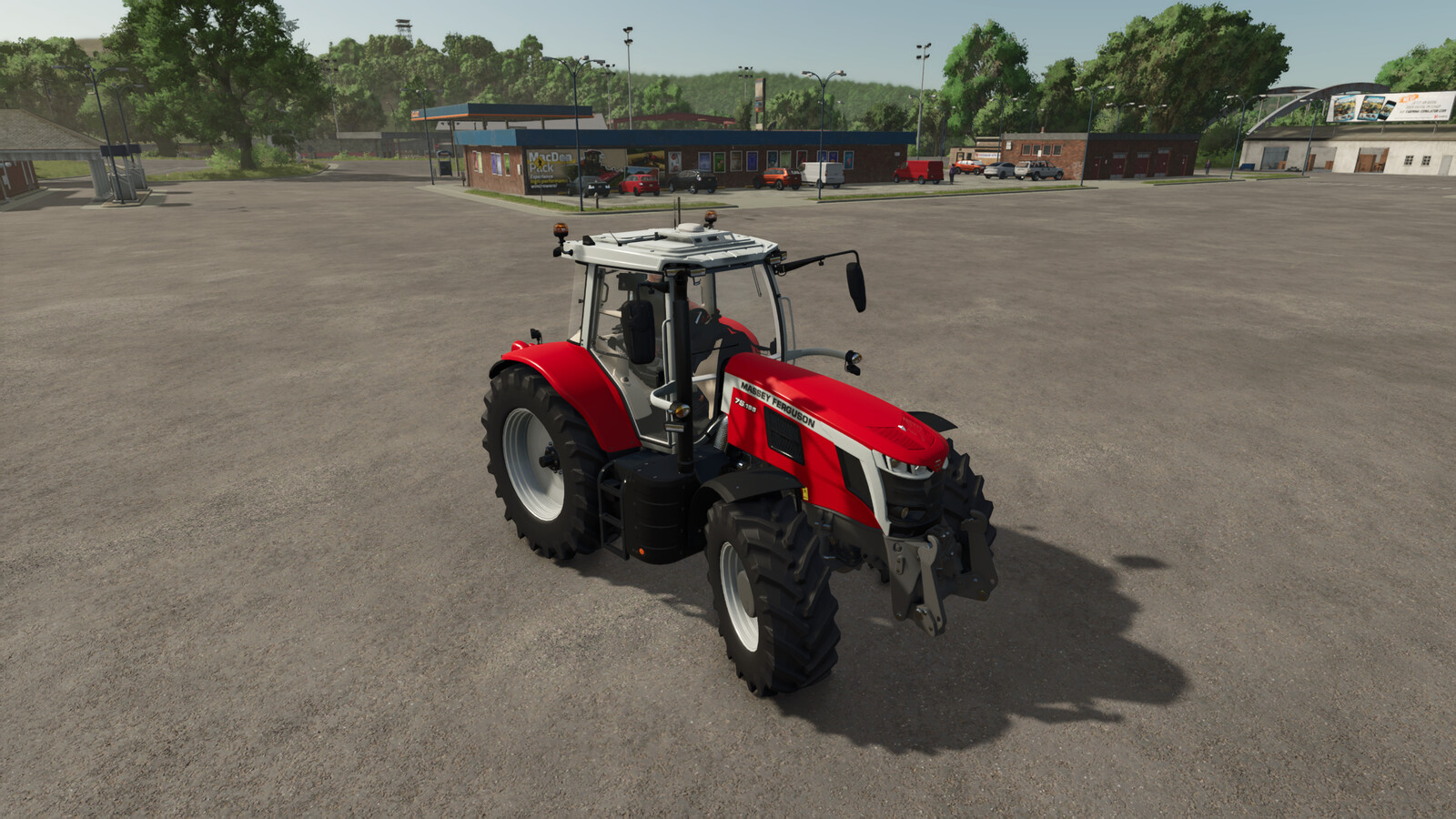
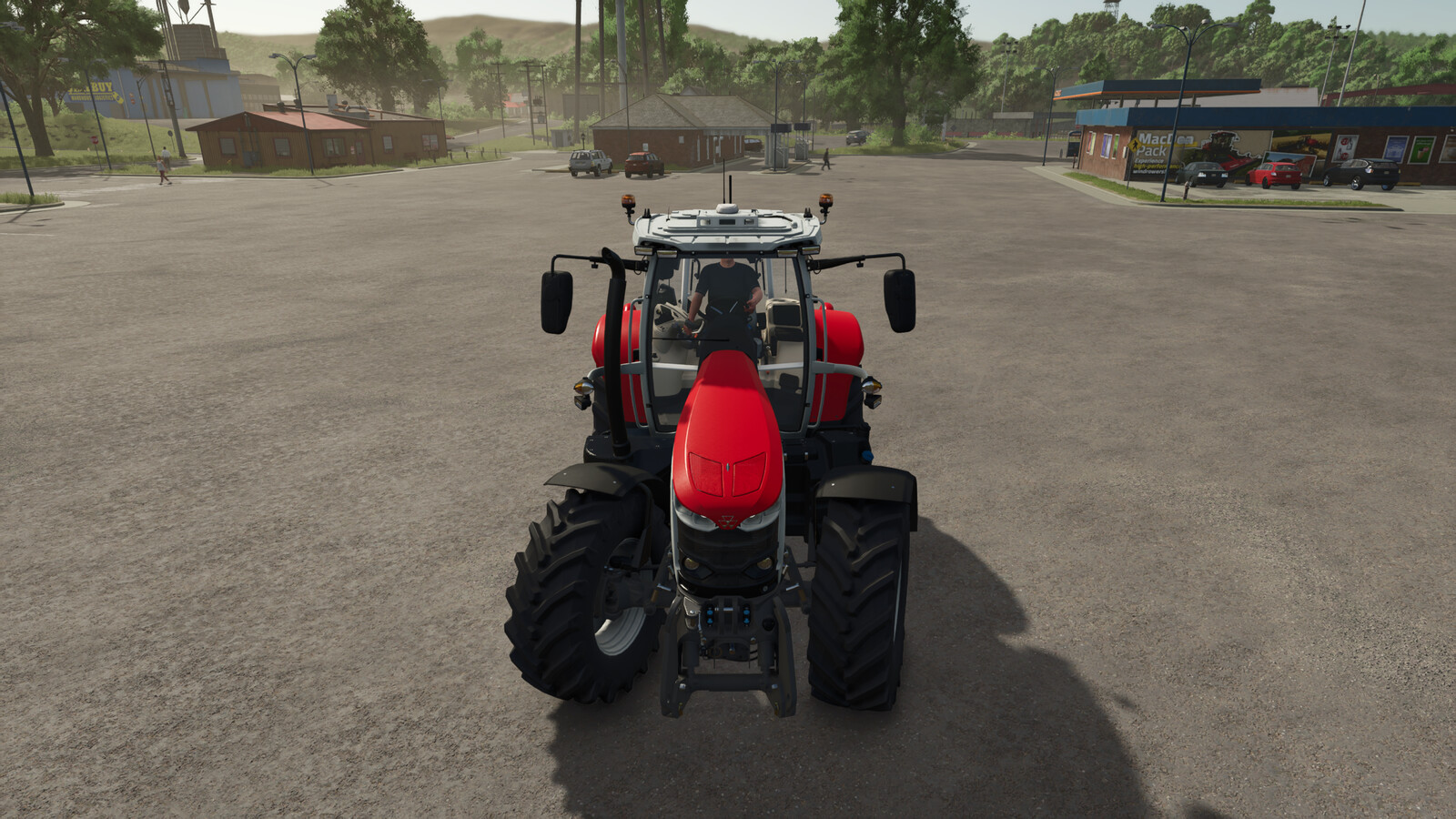
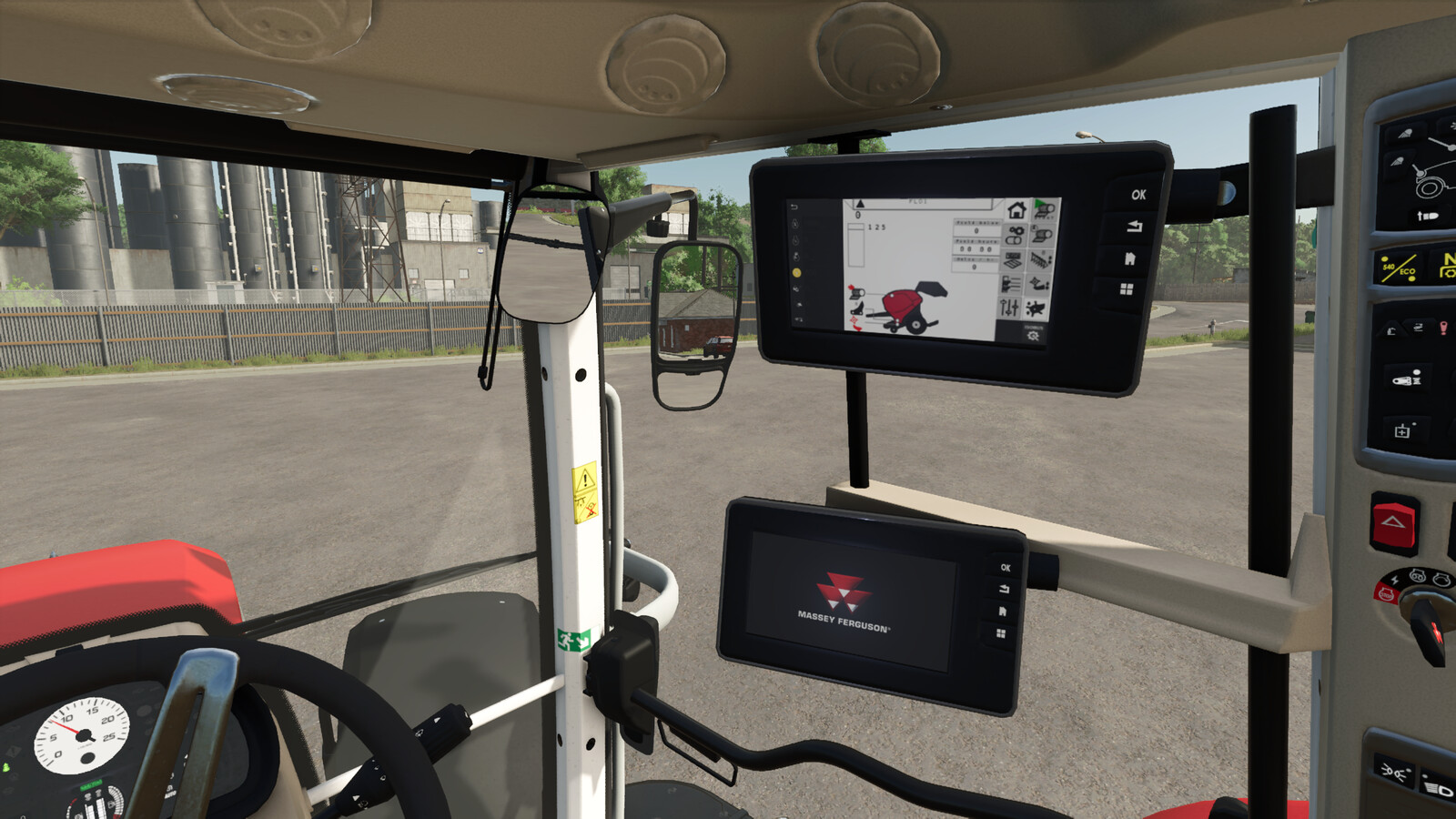
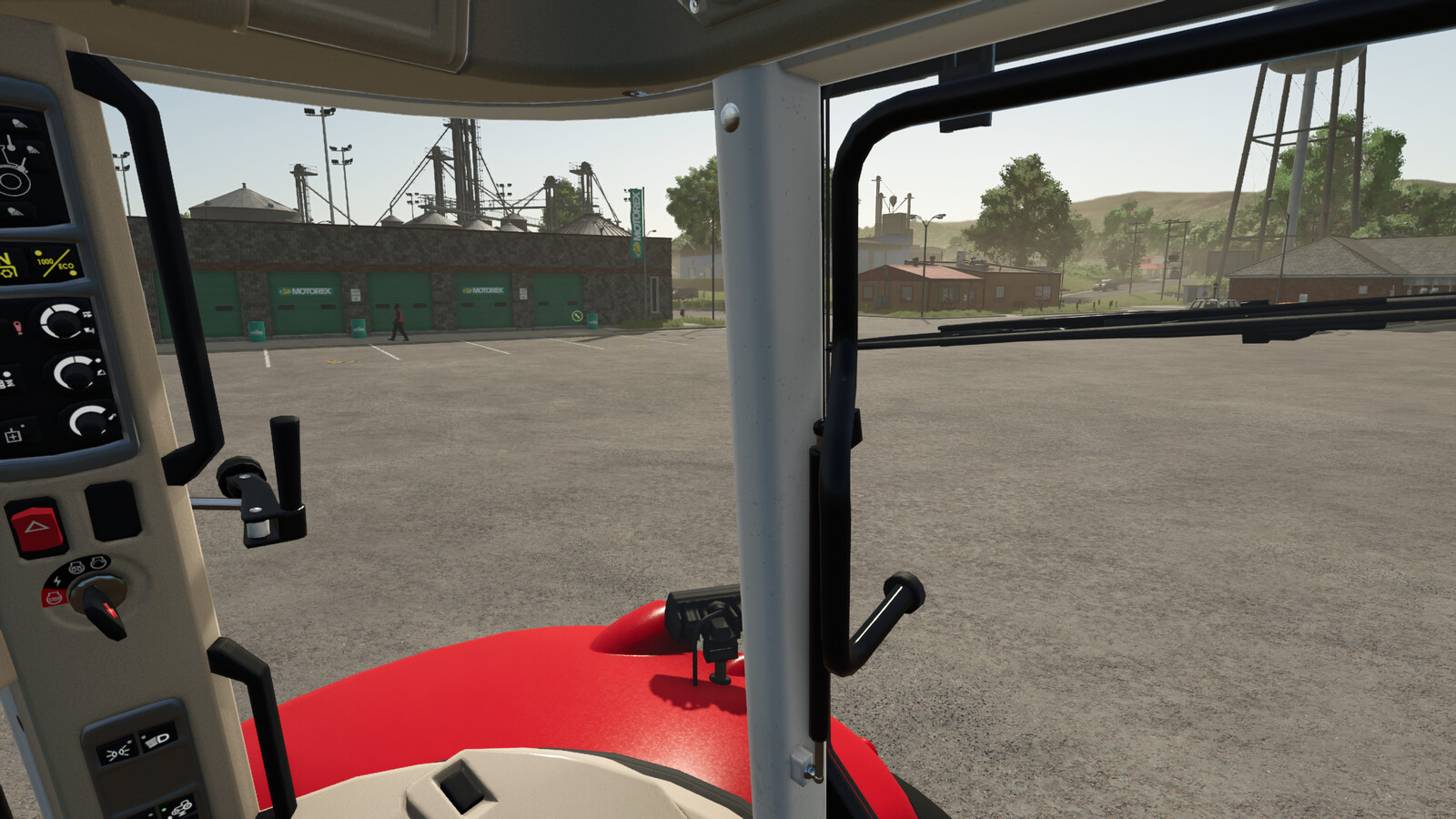
This script adds hotkeys for the camera positions "Left", "Right" and "Back" to all vehicles in the game. This makes it possible to quickly look in the corresponding direction even without headtracking.
The following key assignments are used:
- Alt + Arrow key left: Camera to the left
- Alt + Arrow key right: Camera to the right
- Alt + Arrow key down: Camera to the back
- Ctrl + Alt + Arrow key left: Camera outside front left
- Ctrl + Alt + Arrow key right: Camera outside front right
- Ctrl + Alt + Arrow key down: Permanently switch camera to look back until the key is pressed again
The camera hotkeys work in both the interior and exterior views. The only exception are the cameras outside front left and right, which only work in the exterior view.
Changelog 1.0.0.1:
- Fixed errors when using the Ingame AI Helper. Hotkeys are now disabled when the AI Helper is active.
More from BayernGamers

Suggested Mods
Ratings & Reviews
0
0 reviews
| 5 stars | ||
| 4 stars | ||
| 3 stars | ||
| 2 stars | ||
| 1 stars |
| Login above to Rate & Review this. Let us know what you think! |
| No Ratings & Reviews Yet. Be the first to leave a Rating & Review! |