Vehicle Presets
| Mod Name | Vehicle Presets |
| Game | Farming Simulator 25 |
| Manufacturer | None |
| Category | Gameplay |
| Author | aaw3k |
| Size | 0.12 MB |
| Version | 1.0.2.1 |
| Release Date | 23.04.2026 |
| Platform | PC/MAC |
Views 1143
Downloads 4
ModBarn 0 (0)
ModHub 4.8 (33)
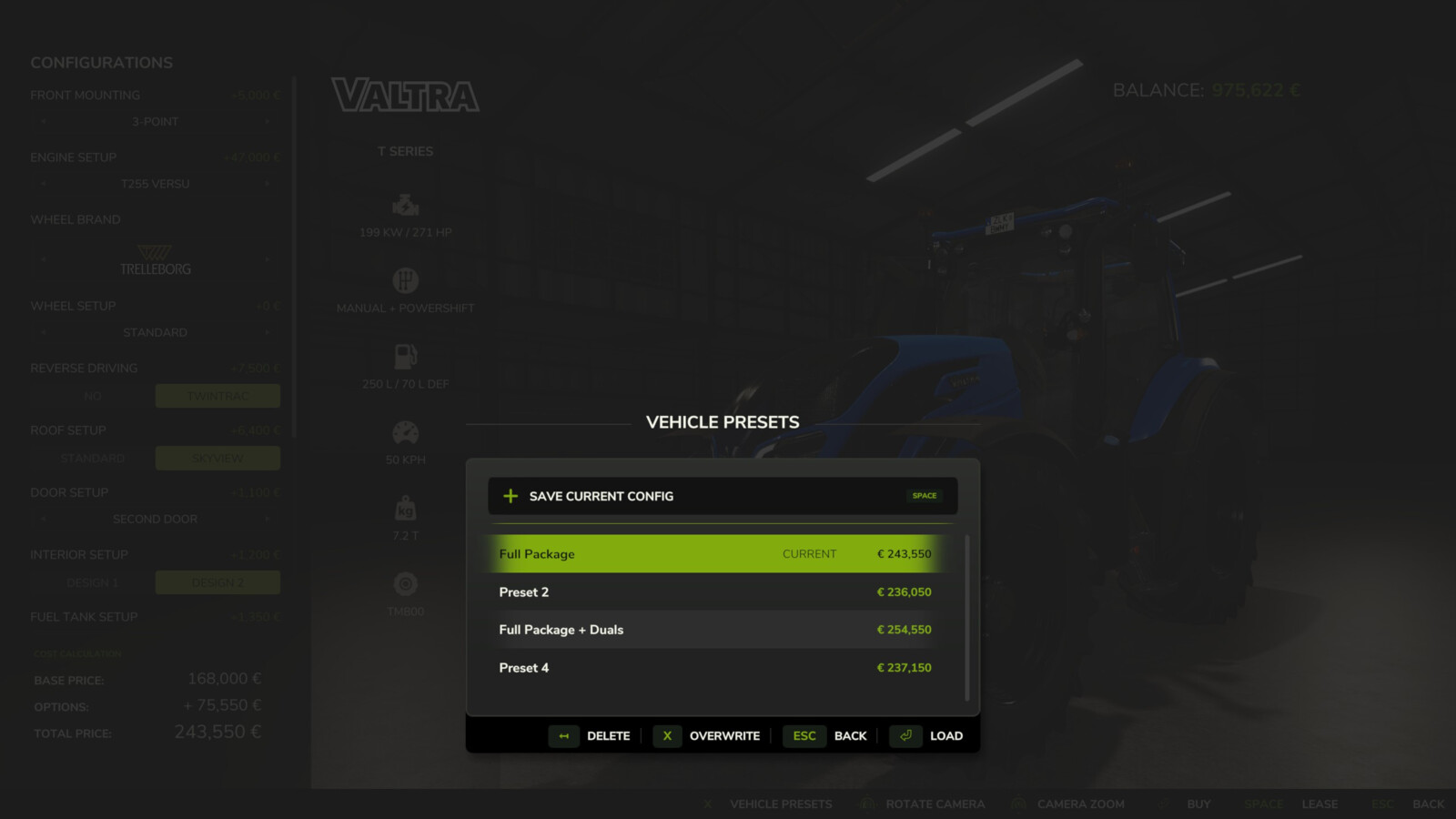
Add a touch of convenience to your game by saving your favorite vehicle configurations. Instead of manually configuring complex setups with colors, wheel brands, and engine options every time you buy a vehicle, you can now save them as presets for quick and easy access.
Features:
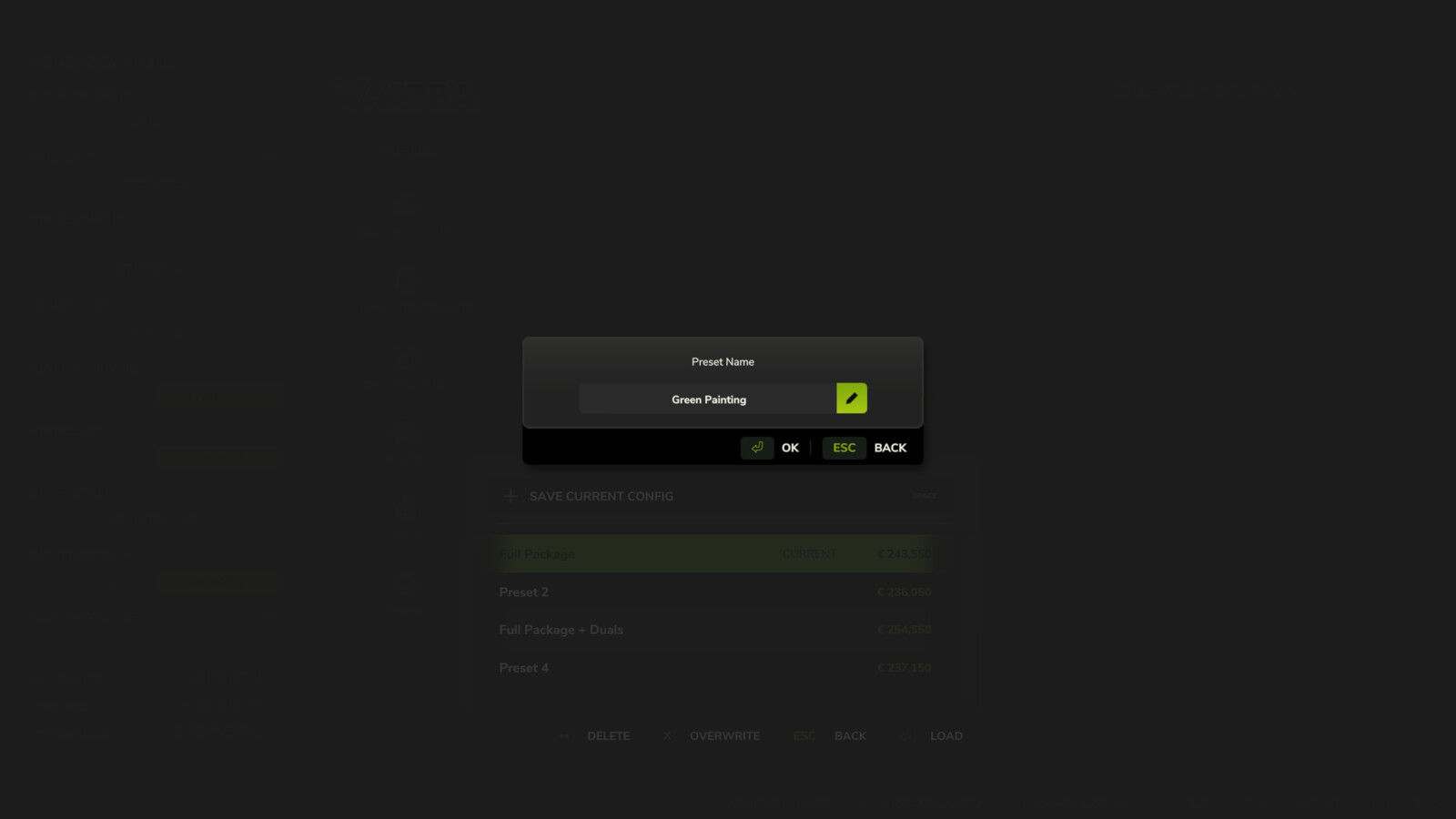
- Save up to 10 customized presets per vehicle directly from the shop configuration screen.
- Supported configurations include base variants, multiple custom colors, and material changes.
- Instantly apply, overwrite, or delete your saved configurations.
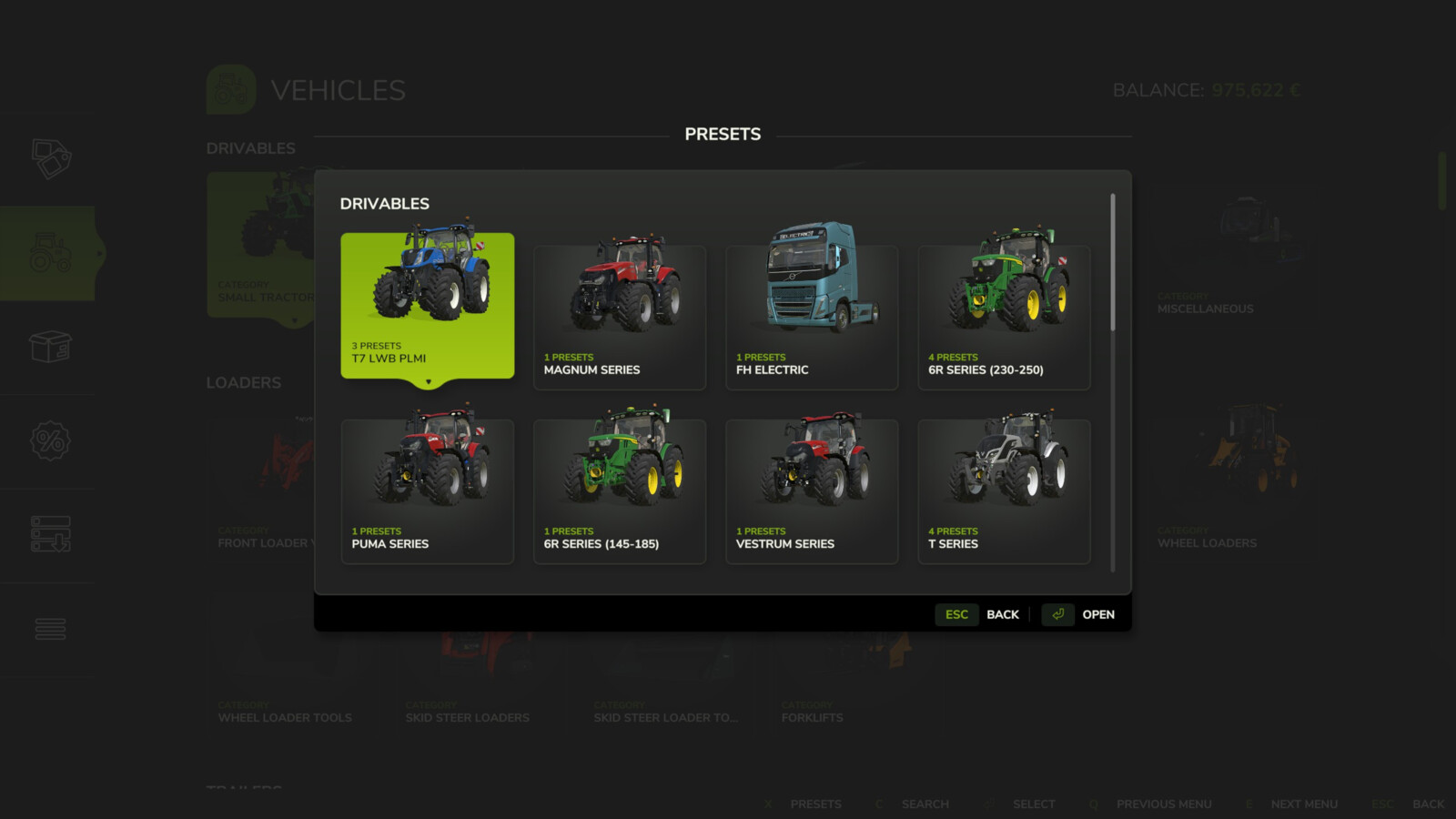
- Browse all accumulated presets organized by vehicle in the global browser.
Hotkeys:
- Press 'V' to open the "All Presets" browser directly from the store pages.
- Press 'V' to open the "Presets" dialog in the shop configuration screen.
Changelog Version 1.0.2.1:
- Fixed presets not being recognized when the mod folder name contains 'FS25_' in its path.
- Improved preset storage with relative paths to survive mod folder changes (1.0.2.0).
- Removed automatic deletion of presets for uninstalled mods due to the changes above (1.0.2.0).
- Added ability to change the keybind for opening preset dialogs (1.0.1.0).
For more info, bug reports, or to contribute, check out GitHub (modnext/vehiclePresets).
More from aaw3k

Suggested Mods
Ratings & Reviews
0
0 reviews
| 5 stars | ||
| 4 stars | ||
| 3 stars | ||
| 2 stars | ||
| 1 stars |
| Login above to Rate & Review this. Let us know what you think! |
| No Ratings & Reviews Yet. Be the first to leave a Rating & Review! |