Quick Vehicle Select
| Mod Name | Quick Vehicle Select |
| Game | Farming Simulator 25 |
| Manufacturer | None |
| Category | Gameplay |
| Author | PlutoGaming |
| Size | 0.10 MB |
| Version | 1.0.1.0 |
| Release Date | 20.07.2026 |
| Platform | PC/MAC |
Views 758
Downloads 13
ModBarn 0 (0)
ModHub 3.1 (61)
Quick Vehicle Select
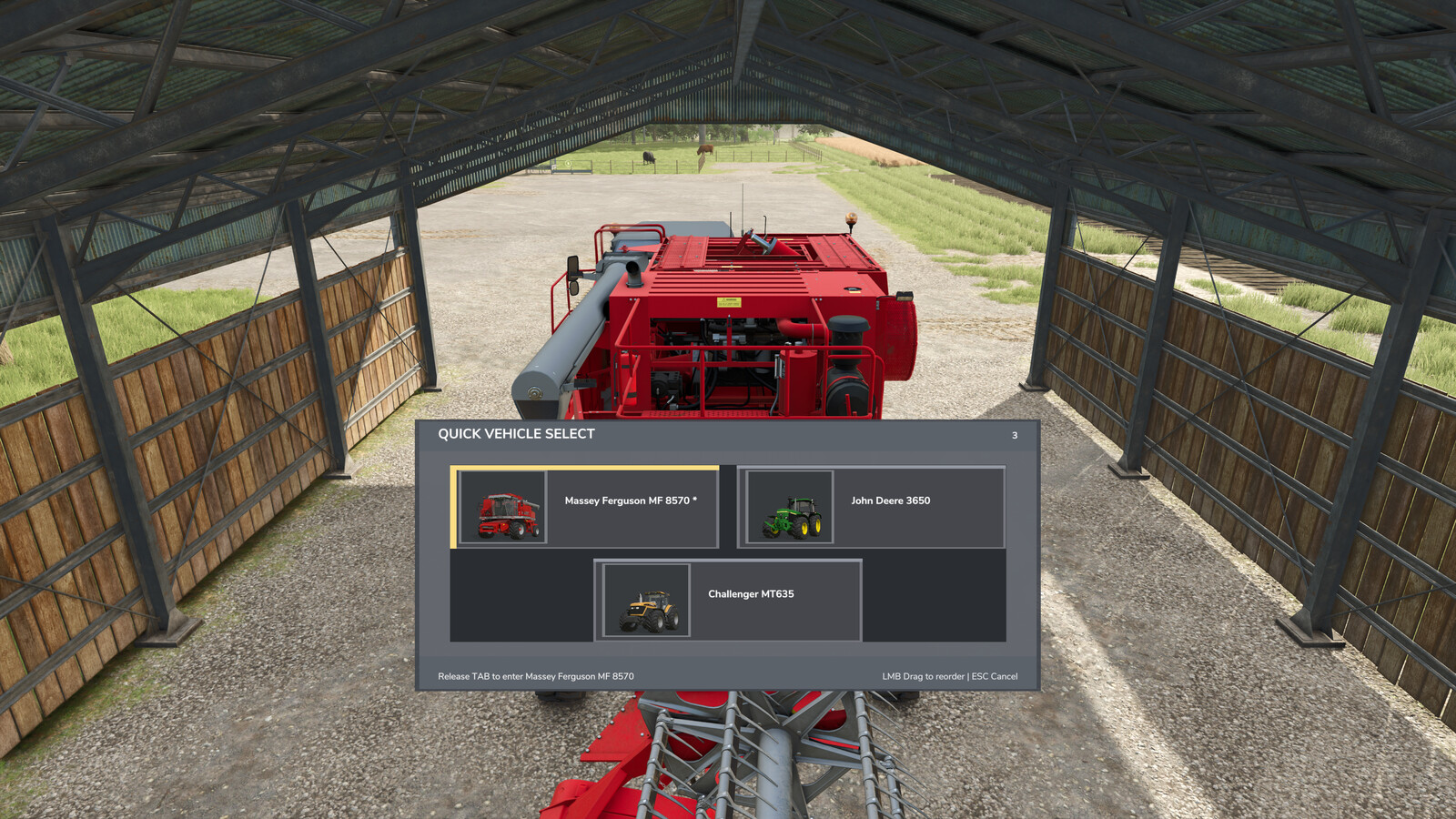
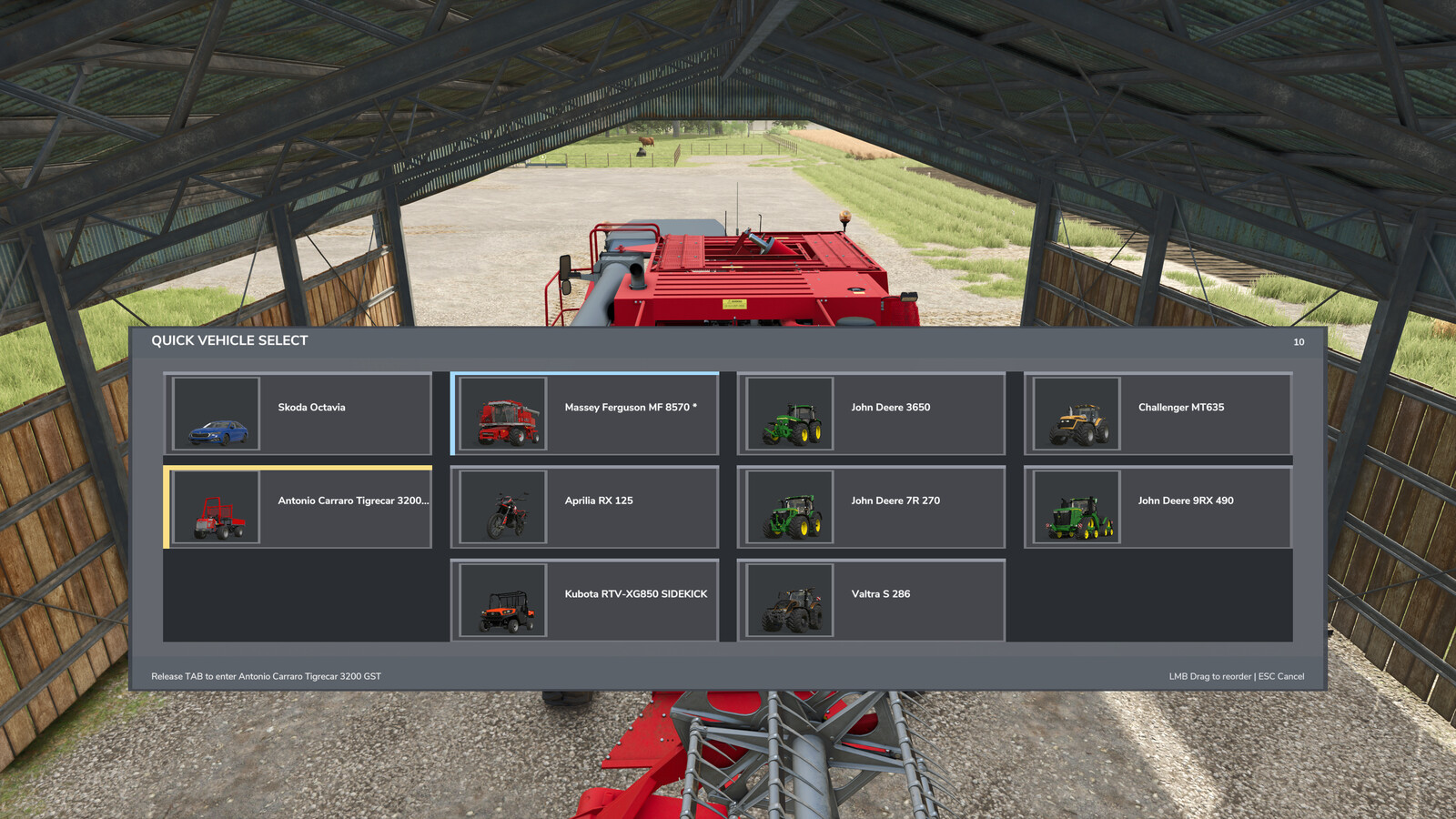
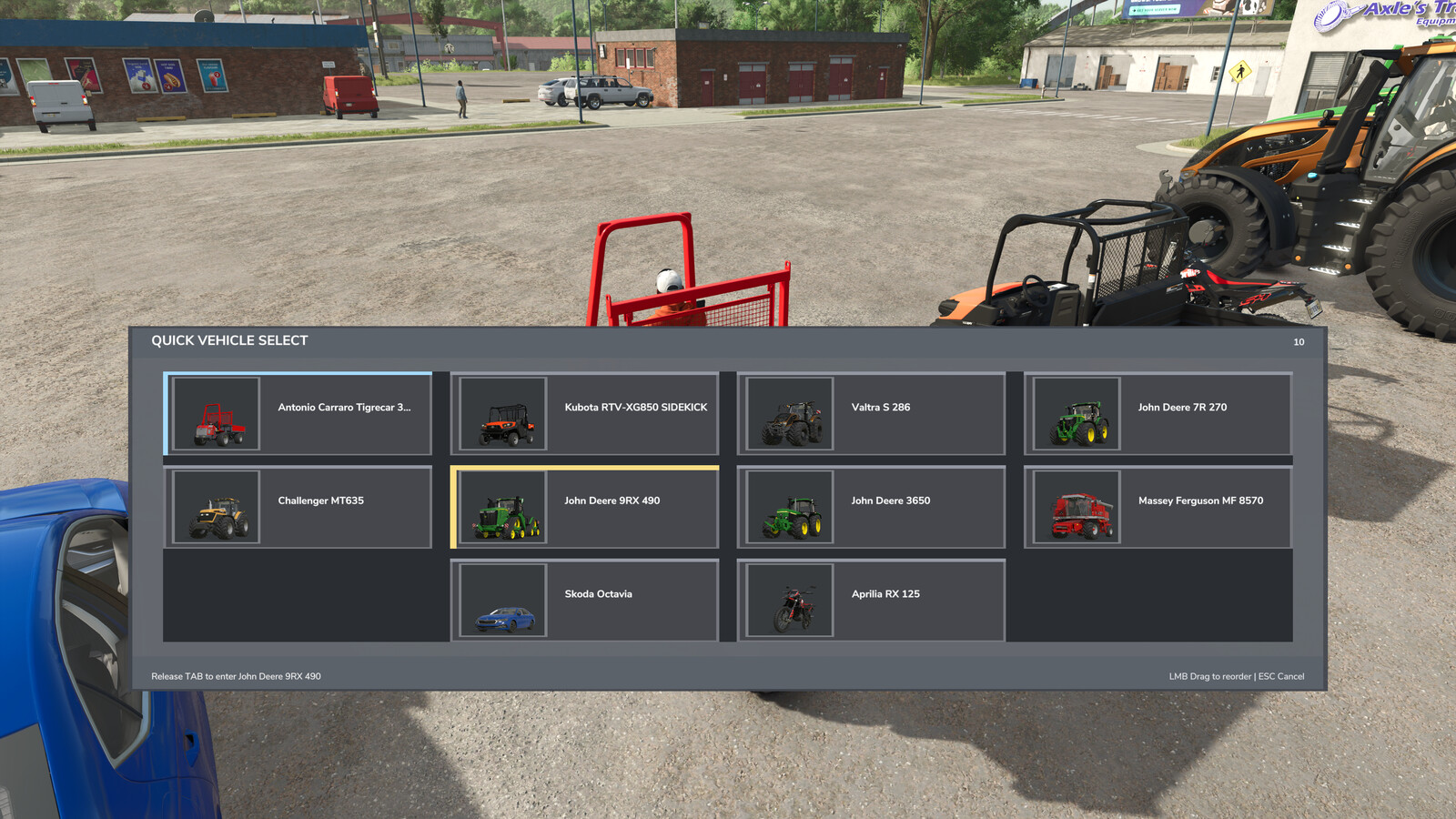
Hold TAB to open a fast vehicle selection overlay. Move the mouse over a vehicle and release TAB to switch instantly.
Features:
- Works while inside a vehicle or on foot
- Mouse hover selection with vehicle thumbnails
- Mouse-wheel scrolling for large vehicle fleets
- Optional custom tabs for vehicle areas or groups
- Drag-and-drop vehicle assignment and rearrangement
- Independent saved vehicle order for every tab
- Editable tab names with a clearly displayed typing mode
- Wrapped vehicle names that remain inside their tiles
- Customizable HUD accent color with a color wheel
- Saved tab names, assignments, positions, and HUD color
Controls:
- Hold TAB: Open Quick Vehicle Select
- Release TAB: Switch to the highlighted vehicle
- Mouse wheel: Scroll the current vehicle tab
- Left-click and drag: Rearrange vehicles or assign them to tabs
- Right-click a custom tab: Enter tab rename mode
- Enter or press TAB again: Save the tab name and close
- Hover the color swatch: Open the HUD color wheel
- ESC: Cancel vehicle selection or restore the previous tab name
Changelog 1.0.1.0
- Added mouse-wheel scrolling for large vehicle fleets.
- Added optional custom vehicle tabs with editable names.
- Added drag-and-drop assignment and rearrangement for all tabs.
- Added persistent vehicle ordering, tab assignments, tab names, and HUD color.
- Added wrapped vehicle names to prevent text from leaving the tiles.
- Added a customizable HUD accent color and color wheel.
More from PlutoGaming

Suggested Mods
Ratings & Reviews
0
0 reviews
| 5 stars | ||
| 4 stars | ||
| 3 stars | ||
| 2 stars | ||
| 1 stars |
| Login above to Rate & Review this. Let us know what you think! |
| No Ratings & Reviews Yet. Be the first to leave a Rating & Review! |