Tire Sound
| Mod Name | Tire Sound |
| Game | Farming Simulator 25 |
| Manufacturer | None |
| Category | Gameplay |
| Author | PeterAH (Modding-Welt) |
| Size | 0.24 MB |
| Version | 1.0.0.0 |
| Release Date | 15.07.2026 |
| Platform | PC/MAC |
Views 252
Downloads 7
ModBarn 0 (0)
ModHub 4.6 (93)
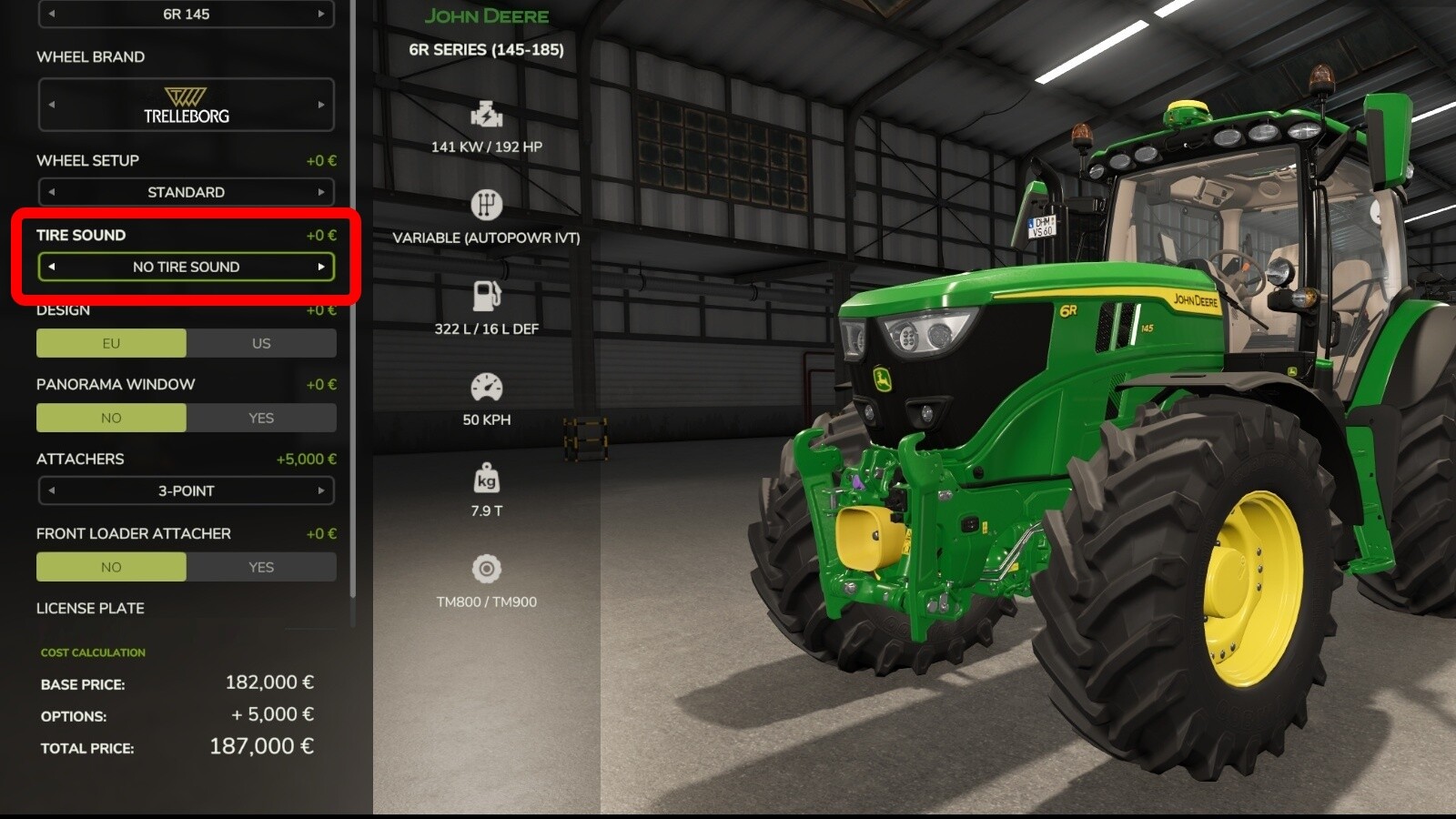
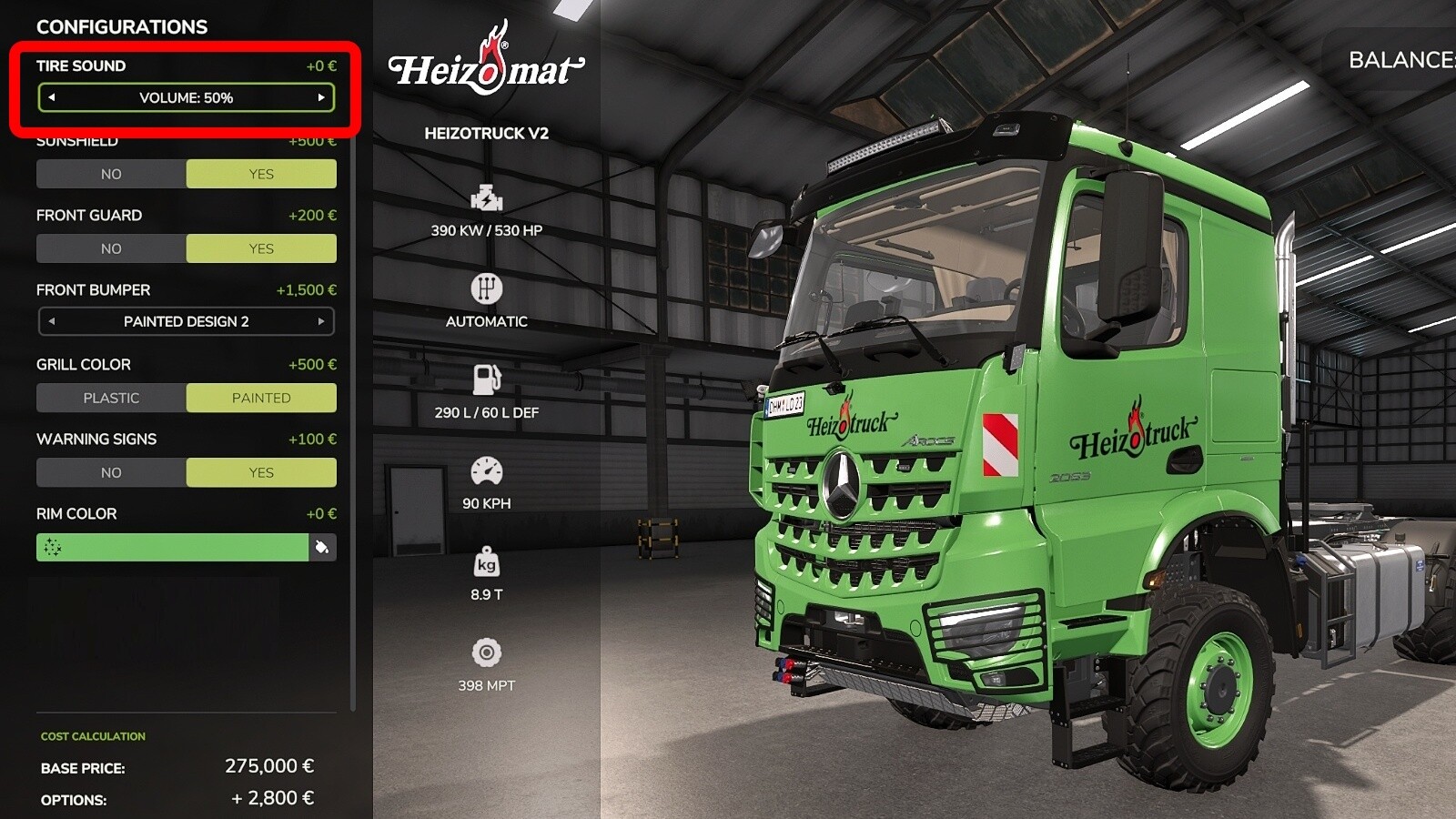
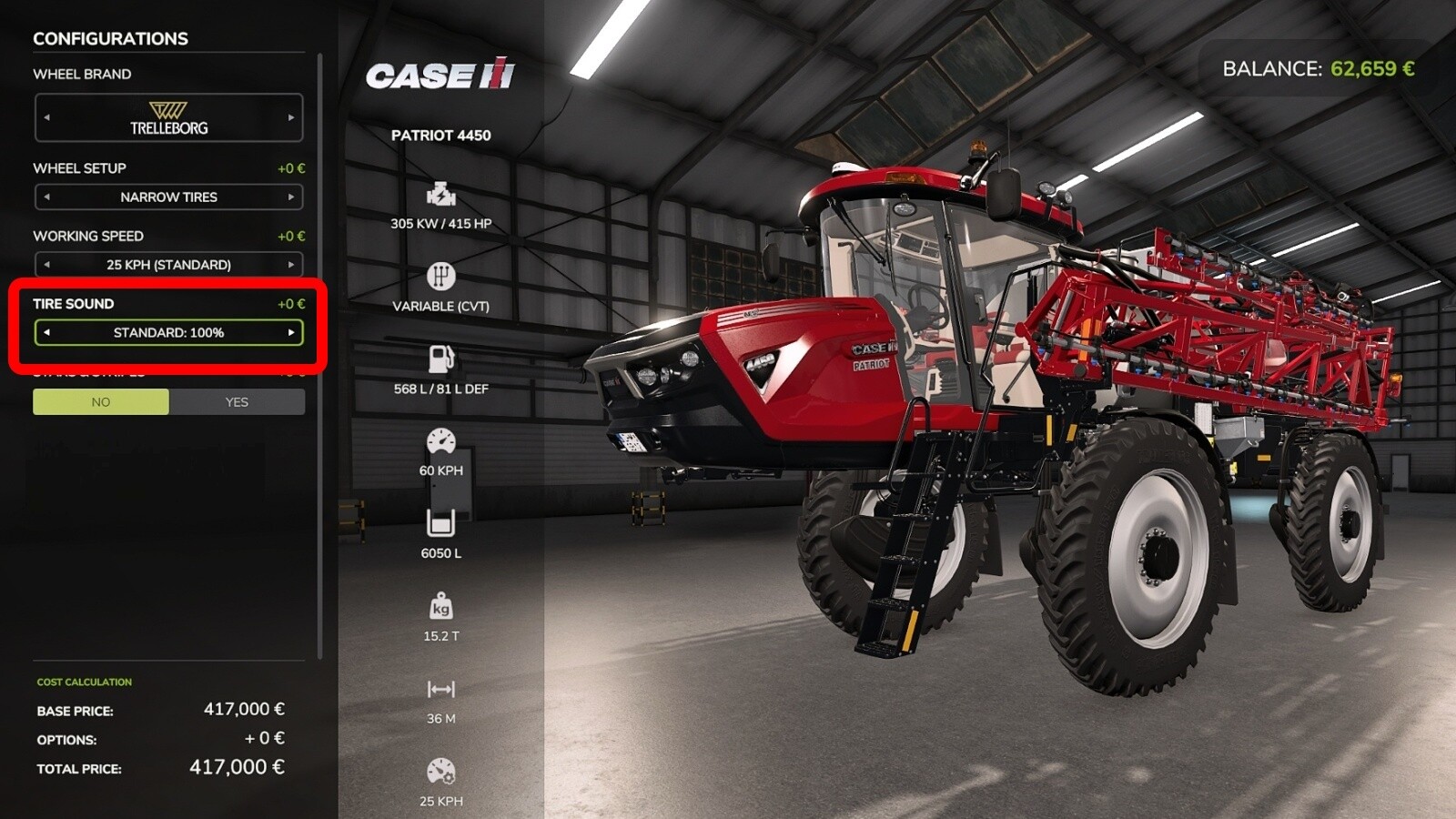
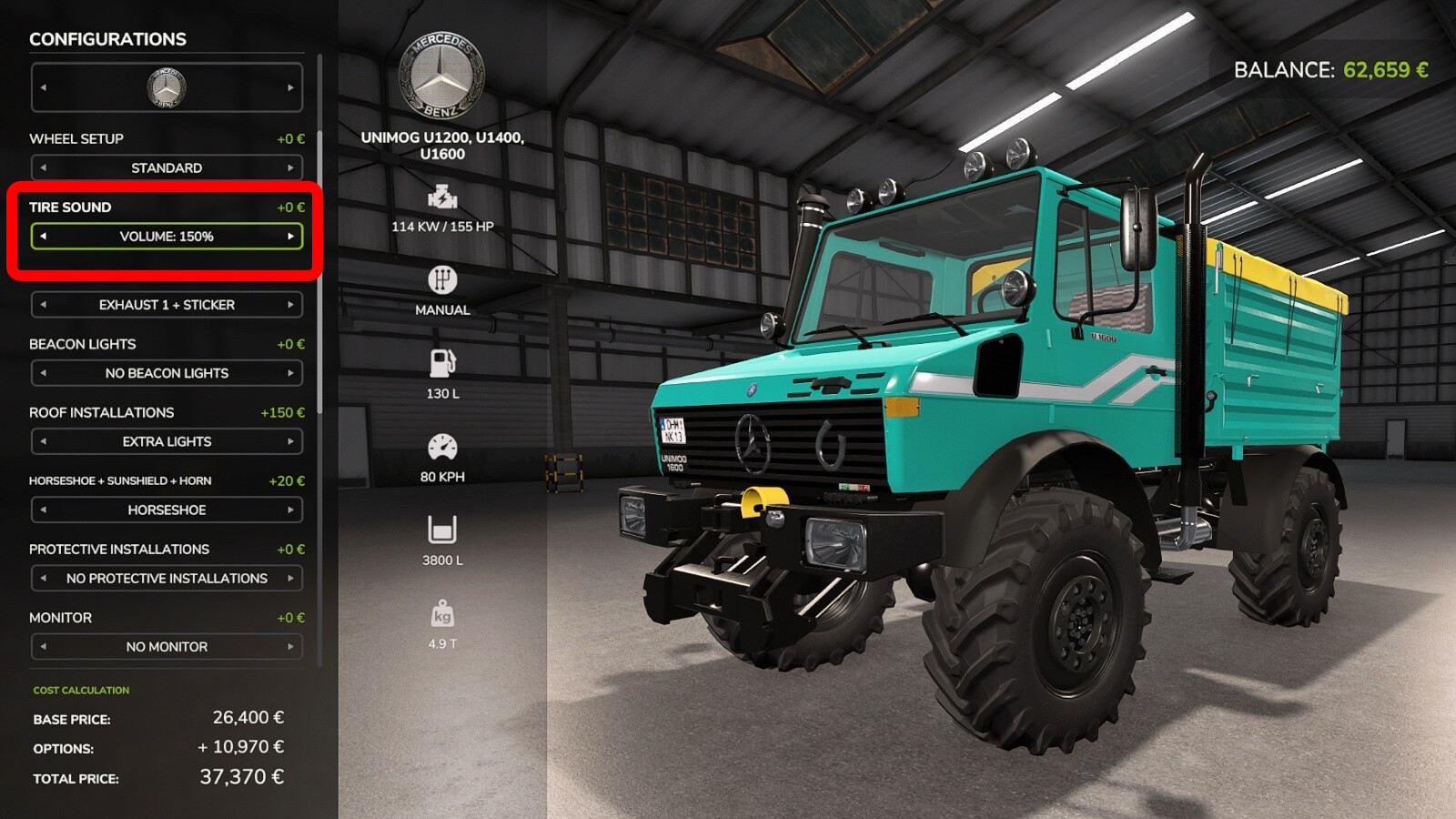
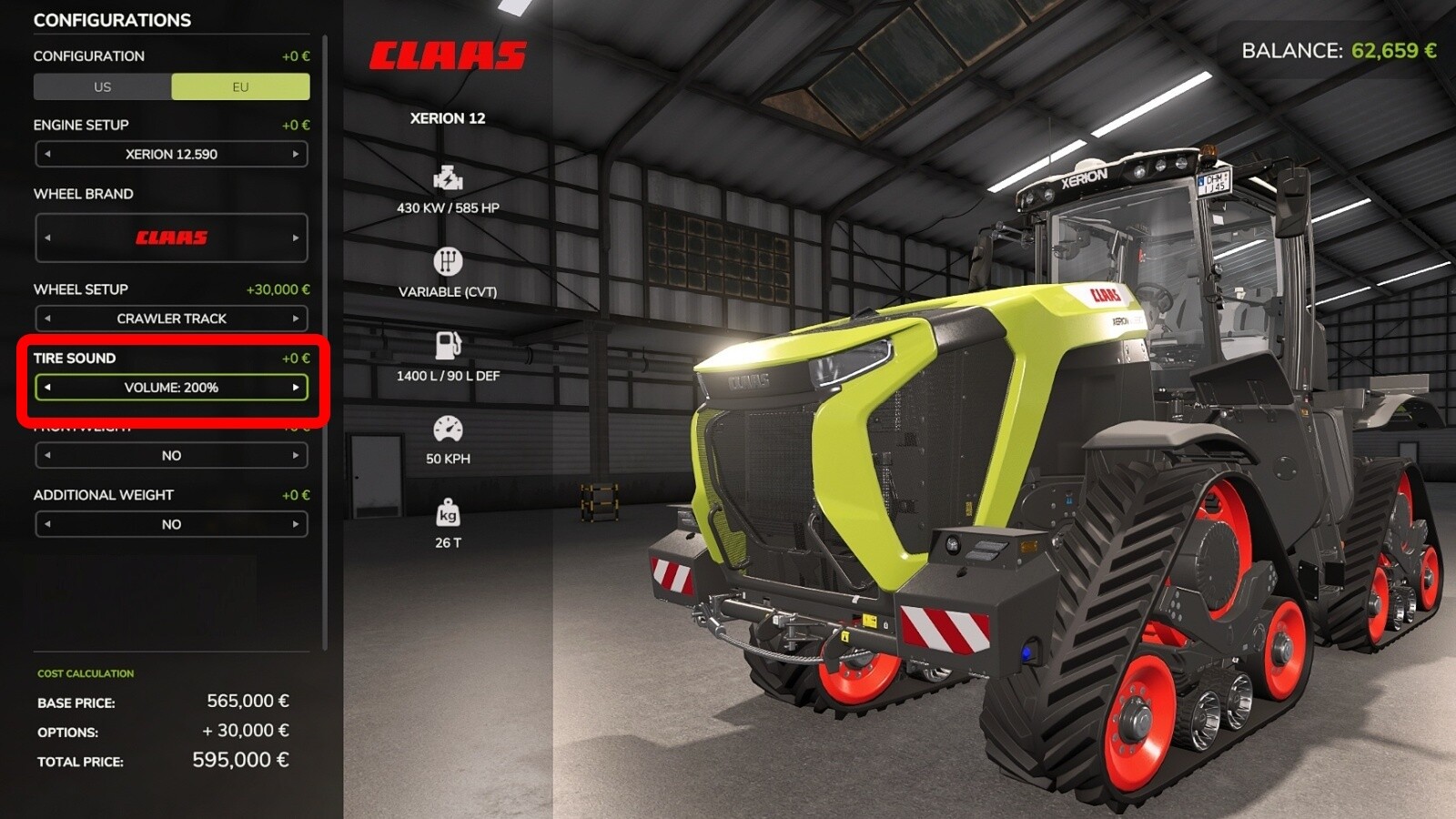
This global script adds a tire sound to all tractors, provided that the maximum speed of each tractor is at least 30 kph. The sound is only heard when the tractor is driving quite fast on a road, on fields or dirt roads there is no tire sound. The sound is a bit different depending on the tires; a difference is made between normal tractor mud tires, narrow care tires, crawlers and Nokian tires.
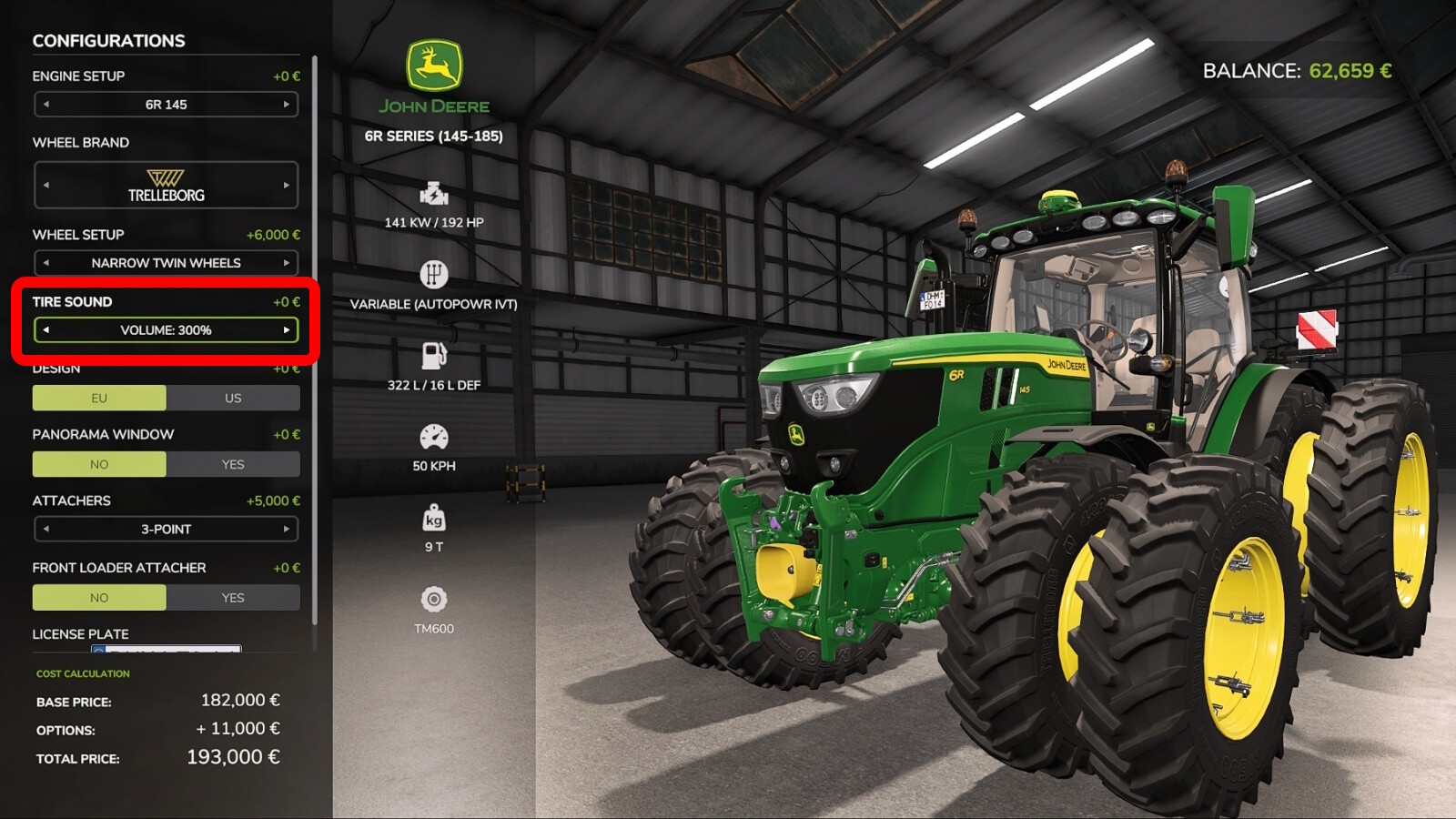
Some tractors from the base game already have a tire sound since FS22, so the sound is switched off by default. You can turn on the sound when you buy the tractor in the shop, where you can also adjust the volume (from 40% to 300%). If you have already bought a tractor in the game, you have to drive to the workshop to turn on the sound. The recommended volume setting is around 100% to 125% for tractors with original Giants sound, and often more for mod tractors.
You can change the default configuration setting in the "modDesc.xml" with "defaultVolumeConfigPercent". If the range of the config is not enough for you, you can change the volume in the "tireSound.xml" (located in the foöder "sounds") with "volumeScale". Normally, however, no changes are necessary in the XMLs.
More from PeterAH (Modding-Welt)

Suggested Mods
Ratings & Reviews
0
0 reviews
| 5 stars | ||
| 4 stars | ||
| 3 stars | ||
| 2 stars | ||
| 1 stars |
| Login above to Rate & Review this. Let us know what you think! |
| No Ratings & Reviews Yet. Be the first to leave a Rating & Review! |